Working form
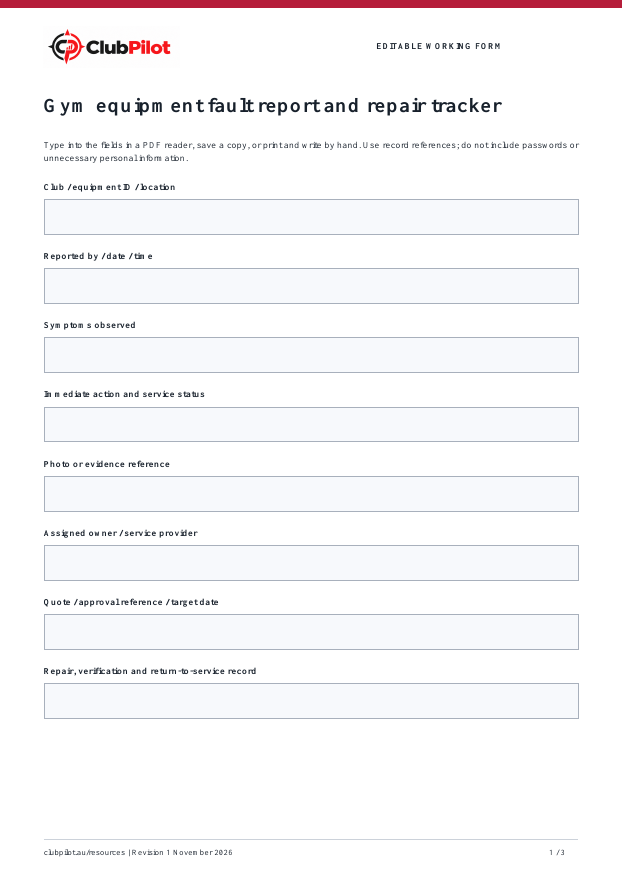
Record club / equipment id / location, reported by / date / time, symptoms observed and the next action.

FREE FILLABLE GYM TEMPLATE
Capture a fault once, give the repair an owner and keep the evidence needed to verify closure. Use alongside the equipment register and manufacturer service instructions.
By Callan, ClubPilot · Updated
Free PDF · Print and adapt · No sign-up required
AT A GLANCE
Record club / equipment id / location, reported by / date / time, symptoms observed and the next action.
Eight checks, plus space for the action owner, due date, evidence and review.
A fictional completed example explains the detail to capture without using customer records.
WORKED EXAMPLE
Example Fitness and all people, dates, amounts and outcomes below are fictional. They are not benchmarks or promised results.
Example Fitness North / TM-04 / cardio
Alex / 3 November 2026 / 09:15
Belt slips under load; no diagnosis attempted
Use stopped and machine labelled under club procedure
Photo reference FAULT-014
Morgan / approved service provider
Quote pending; update due 4 November
Awaiting technician and authorised verification; remains unavailable
FROM TEMPLATE TO WORKFLOW
The free form helps define the process. Explore the relevant ClubPilot workflow and confirm the setup your group needs.
See the product area connected to this template.
Explore ClubPilotSee available walkthroughs before trying the workspace.
Watch walkthroughsHOW IT WORKS
Complete the fault details when the problem is found.
Track the next action, even while waiting for a quote or part.
Close only when the repair and authorised verification are recorded.
PRACTICAL CHECKLIST
This operational guide is a starting point. Your approved procedures, leases, manufacturer instructions and legal duties remain the source of truth.
STRAIGHT ANSWERS
Yes. Download it, open it in a PDF reader that supports forms, type into the fields and save a copy. You can also print it. Some browser previews do not retain field entries, so reopen your saved copy to check.
No. This is a fillable working form. Complete calculations and follow-ups yourself. The resource library also has Excel templates for budgets and other workflows.
Yes. Keep one record per club and period, agree common definitions and adapt responsibilities to your approved procedures. Share only with people authorised to see the information.
FREE RESOURCES
Daily, weekly and monthly reviews with a fault-to-close record. Free PDF
Every machine in one list, with written-down value, service and warranty flags and a service log. Free Excel
Printable do-not-use tags and an out-of-service register. Free PDF
Help a new manager learn the club, establish responsibilities and agree priorities before changing routines. Use weekly checkpoints with the area manager to turn observations into practical actions. Free PDF
Give each feedback item a response owner, due date and closure check. Keep sensitive member information in your approved member system and use references here. Free PDF
Record the opening float, approved additions, receipt-backed spending and counted closing cash. Investigate differences before sign-off. This is an operational record, not tax advice. Free PDF
A PRACTICAL NEXT STEP
Try the workspace with fictional data, then map the roles and follow-up your group needs.